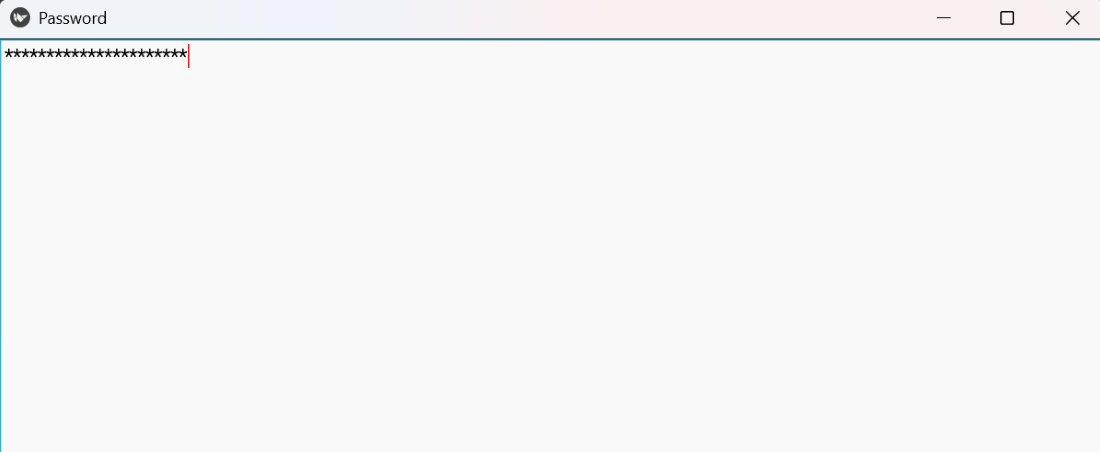
A TextInput is a widget in Kivy that provides an editable text box on the screen. It allows users to enter single-line or multi-line text, supports cursor movement, text selection, clipboard operations and can trigger events like pressing Enter.
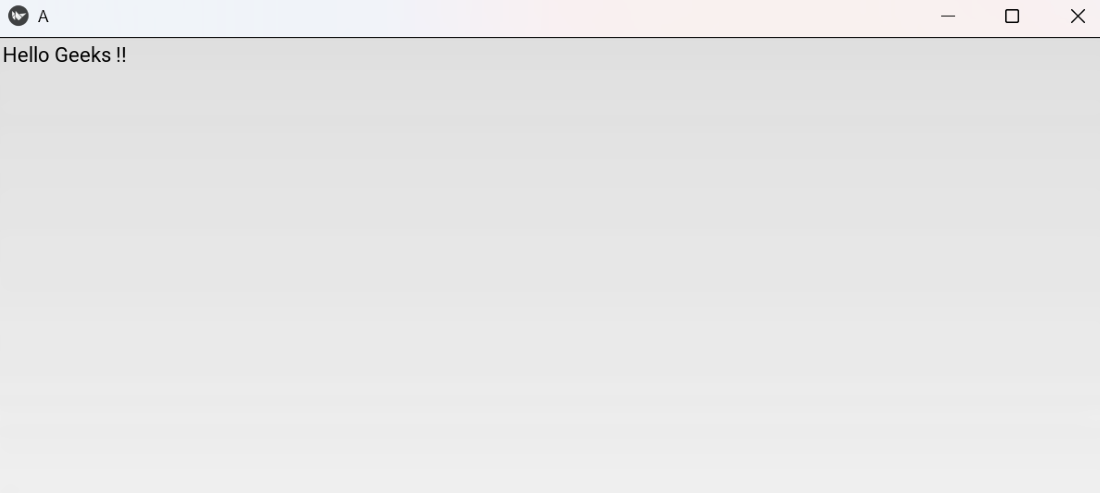
This Example shows a single-line input field in the app window.
from kivy.app import App
from kivy.uix.textinput import TextInput

class A(App):
    def build(self):
        return TextInput(text='Type here', multiline=False)

if __name__ == '__main__':
    A().run()
Output
Explanation:
- TextInput(text='Type here', multiline=False): creates a single-line editable text box.
- return TextInput(...): shows the text box as the app’s root widget.
Syntax
TextInput(text='', multiline=True, password=False, hint_text=None, font_size=None, size_hint=(1,1))
Parameters:
- text: initial text shown in the field.
- multiline (bool): True allows Enter/newlines; False makes it single-line.
- password (bool): hides characters (useful for password fields).
- hint_text: placeholder shown when text is empty.
- font_size: text size (e.g. '20sp' or 20).
- size_hint: control widget sizing in layouts.
Return: an instance of kivy.uix.textinput.TextInput (a widget to add to layouts).
Examples
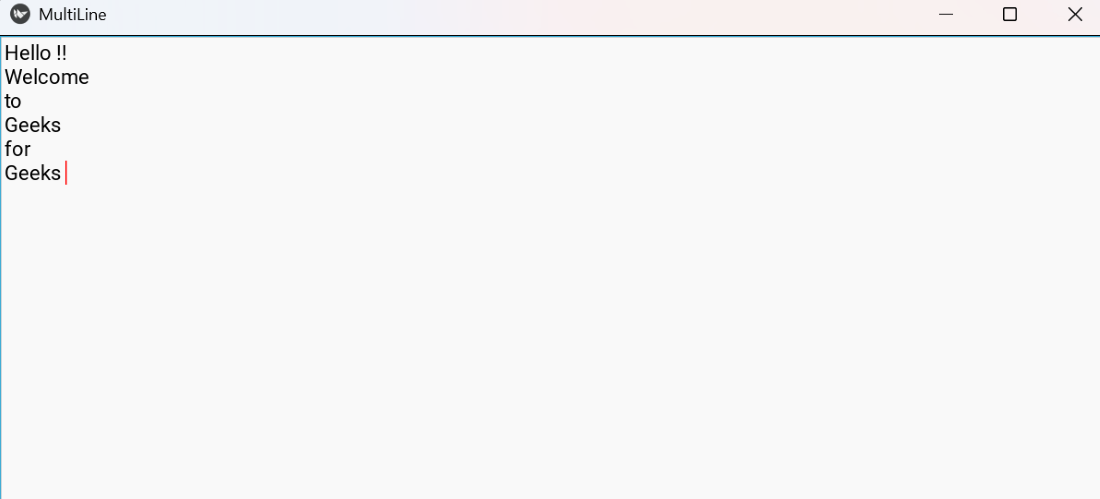
Example 1: This example shows a multi-line input field where the user can type several lines.
from kivy.app import App
from kivy.uix.textinput import TextInput

class MultiLineApp(App):
    def build(self):
        return TextInput(hint_text='Type multiple lines here', multiline=True)

if __name__ == '__main__':
    MultiLineApp().run()
Output
Example 2: This example creates a single-line password input that masks typed characters.
from kivy.app import App
from kivy.uix.textinput import TextInput

class PasswordApp(App):
    def build(self):
        return TextInput(hint_text='Enter password', password=True, multiline=False)

if __name__ == '__main__':
    PasswordApp().run()
Output