
React hooks are functions that allow you to use state and other React features in functional components. Hooks were introduced in React 16.8, enabling developers to manage state and lifecycle features without needing class components. They simplify the development process and make it easier to write reusable and cleaner code.
Below is the basic representation of the React JS Hooks useState.
/* Write CSS Here */
.App {
    display: flex;
    flex-direction: column;
    justify-content: center;
    align-items: center;
}

body {
    background-color: antiquewhite;
}

.App>h2 {
    text-align: center;
}

.App>button {
    width: 8rem;
    font-size: larger;
    padding: 2vmax auto;
    height: 1.8rem;
    color: white;
    background-color: rgb(34, 34, 33);
    border-radius: 10px;
}

button:hover {
    background-color: rgb(80, 80, 78);
}
import React, { useState } from 'react';
import './App.css'

const App = () => {
    const [num, setNum] = useState(0);
    const handleClick = () => {
        setNum(num + 1);
    };

    return (
        <div className="App">
            <h2> {num}</h2>
            <button onClick={handleClick}>
                Add one
            </button>
        </div>
    );
};

export default App;
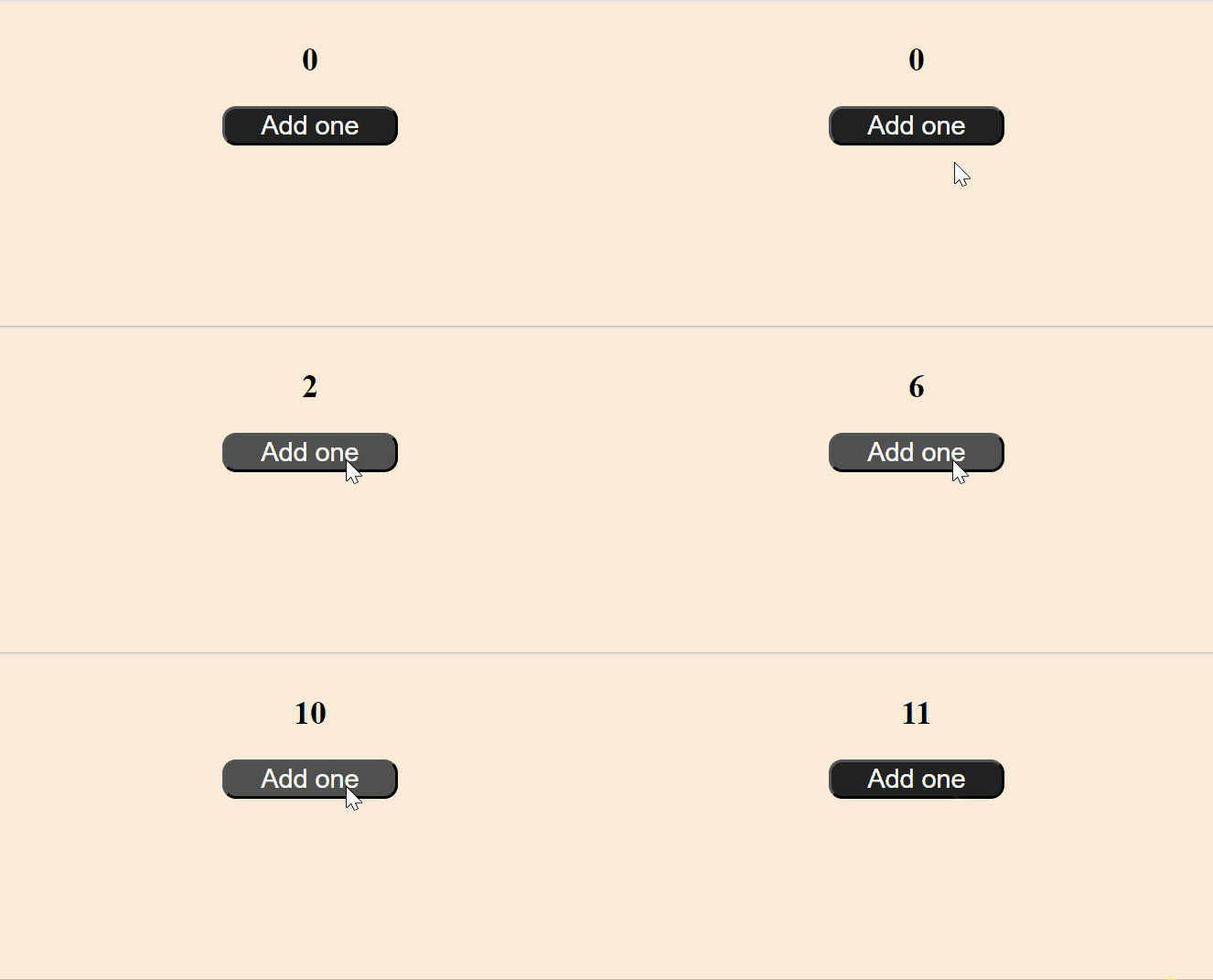
- The useState hook is used to create a num state, initialized to 0, and a setNum function to update it when the button is clicked.
- The handleClick function increments num by 1 each time the button is clicked, updating the displayed value in the <h2> tag.
Output:
Advantages of Using React Hooks
- Simplifies Code: Hooks provide a simpler and cleaner way to write components by using functions instead of classes.
- State and Side Effects: Hooks allow you to use state (useState) and side effects (useEffect) in functional components.
- Reusability: Hooks make it easier to share logic across components by creating custom hooks.
- No this keyword: Hooks eliminate the need for the this keyword found in class components, reducing complexity and mistakes.
- Readability: Functional components with hooks tend to be more concise and easier to read than class components.
Different Hooks in React
- useState: useState is used to add state to functional components.
- useEffect: useEffect is used to perform side effects (like fetching data or subscribing to services) in functional components.
- useContext: useContext allows you to access the value of a context in functional components.
- useReducer: useReducer is an alternative to useState for more complex state logic.
- useRef: useRef returns a mutable ref object which can be used to reference DOM elements or store mutable values.
- useMemo: useMemo is used to memoize values or computations to prevent expensive calculations on every render.
- useCallback: useCallback is used to memoize functions so that they are not recreated on every render.
- useLayoutEffect: Similar to useEffect, but it runs synchronously after all DOM mutations, allowing you to perform operations on the layout.
- useImperativeHandle: useImperativeHandle customizes the instance value that is exposed when using ref in functional components.
React JS Hooks Reference
- useState Hook
- useEffect Hook
- useRef Hook
- useMemo Hook
- useContext Hook
- useReducer Hook
- useHistory Hook
- useNavigate Hook
- useParams Hook
- useLayoutEffect Hook
- useImperativeHandle Hook
- useDebugValue Hook
- useUndoState Hook
- useSelect Hook
- useCallback Hook
- useTransition Hook
- useId Hook
- useInsertionEffect Hook
- ReactJS Custom Hooks
- useLocalStorage Custom Hook
- useForm Custom Hook
- useTimeout Custom Hook
- useOrientation Custom Hook
- useInterval Custom Hook